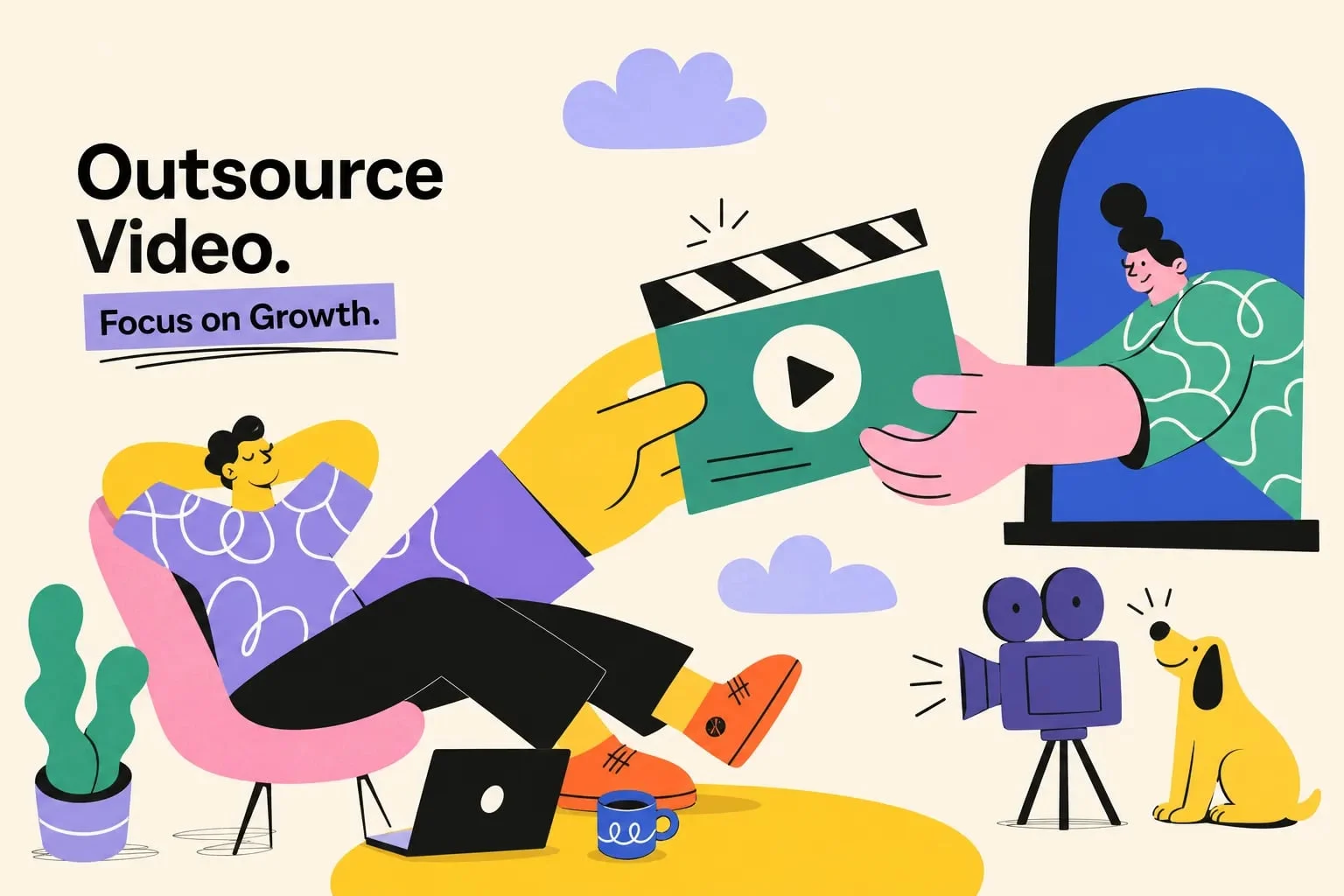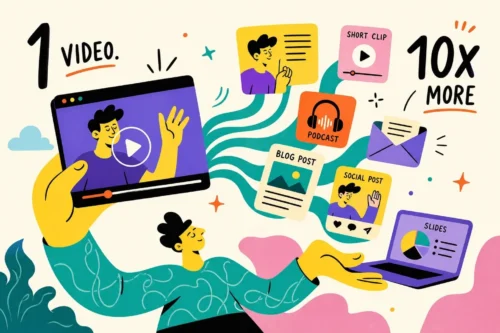
Most marketing teams pour the bulk of their production budget into one piece of content, publish it once, and start from scratch the following week. That cycle is expensive, exhausting, and completely avoidable. Video content repurposing flips that model on its head: one recording session, handled with a clear system, can produce roughly 8, 12 platform-ready assets scheduled across two to three weeks on YouTube, LinkedIn, TikTok, Instagram, and your blog.
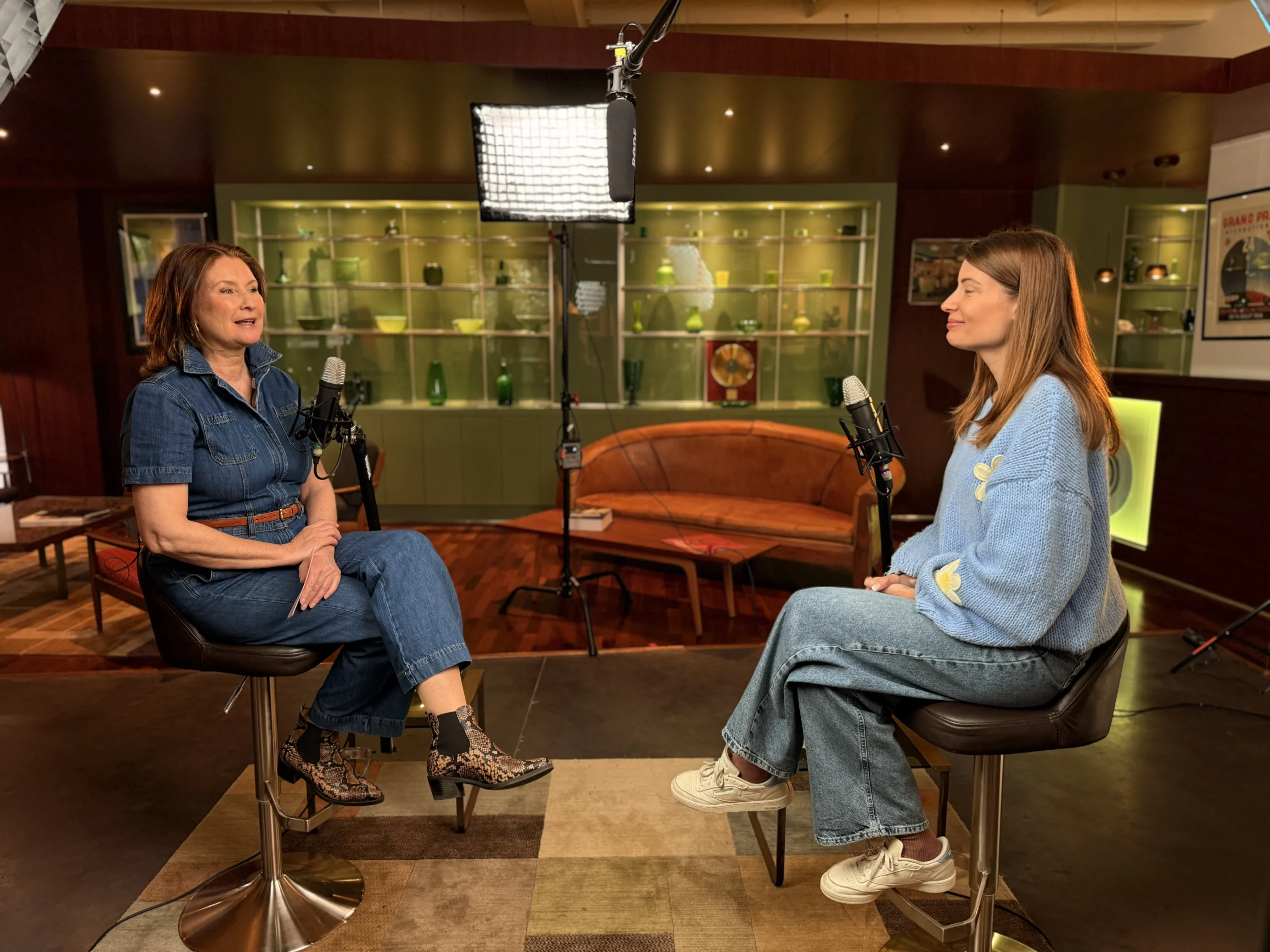
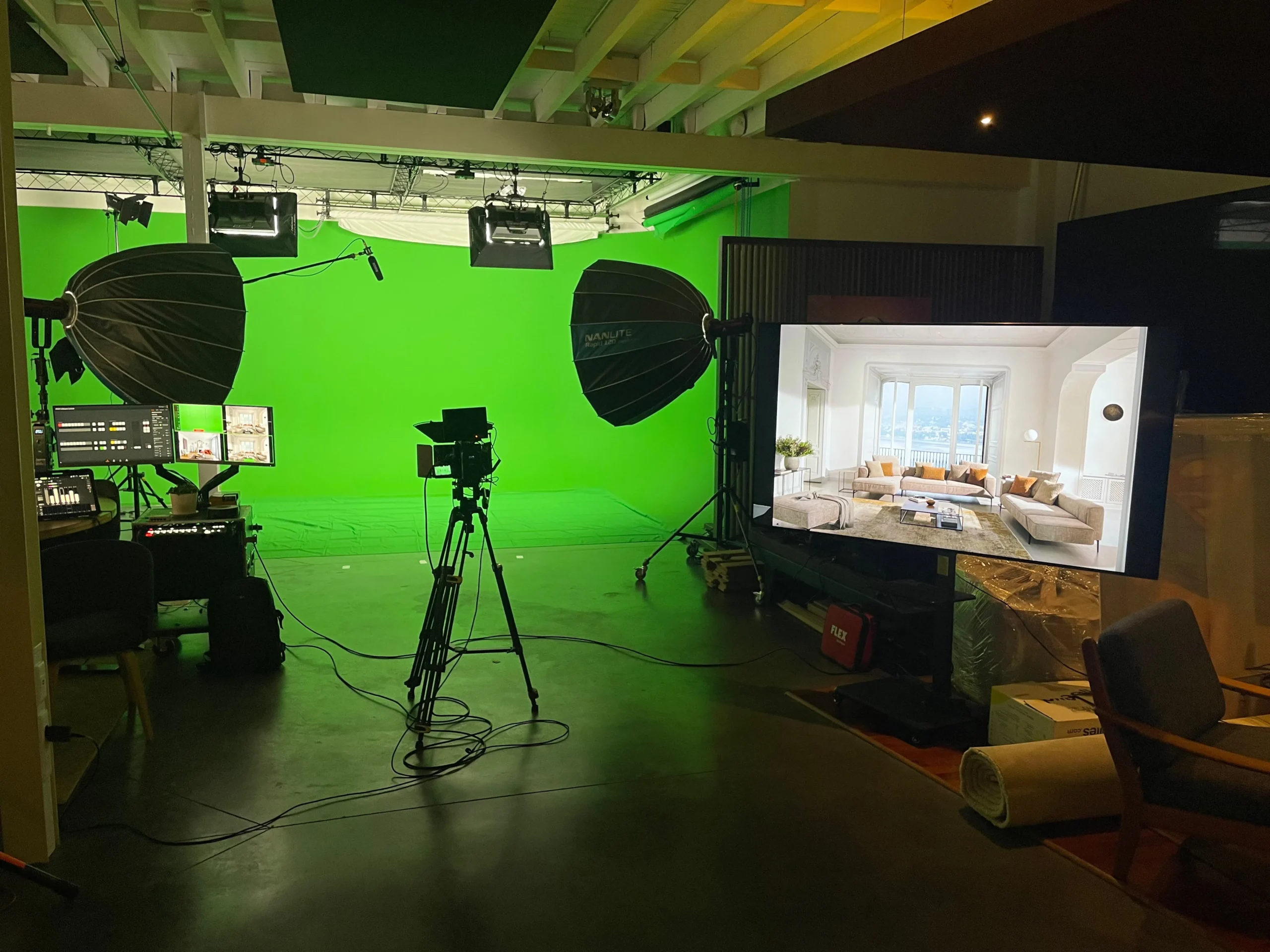
Smart production teams already treat every long-form recording as a content factory, not a single deliverable. At StreamBox, we build the clips, captions, and platform formats into the production plan before the camera ever rolls. That means clients leave with a finished episode and a batch of distribution-ready assets, not just a file to figure out later. This is a first-party description of how we work, not a universal agency standard, though the efficiency logic applies broadly.
This article walks you through the exact workflow: which source videos work best, what assets to create from them, which platforms each format belongs on, and which tools handle the most tedious parts automatically. The goal is a repeatable system that turns every recording into 10 or more distribution-ready assets through structured video content repurposing.
Why repurposing one video beats creating ten separate pieces
The business case is straightforward. Adobe’s small-business survey found that 49% of businesses using content repurposing strategies reported engagement-rate increases of 11, 25%, with 35% seeing comparable lifts in conversions. The reason comes down to reach, not just volume. A significant portion of your audience will never see your content the first time it’s published. Each repurposed asset is a second, third, or fourth chance to reach the same person on a different platform or on a different day.
Multi-platform publishing is really about compounding, not quantity. A 45, 60 minute webinar can realistically generate 10, 15 short clips, 7, 10 quote graphics, 3, 5 LinkedIn posts, a newsletter, and a blog post, benchmarks consistent with research on 60-minute recorded sessions. That’s not 20 separate creative efforts. It’s one session amplified through a structured workflow. Brands that consistently show up across channels aren’t producing more content; they’re extracting more value from the content they already have through systematic content recycling.
The data supports this direction: studies on multi-channel repurposing show engagement multipliers ranging from roughly 3.5x to nearly 5x compared to single-channel publishing, depending on how well assets are adapted to each platform. That gap widens when repurposed versions are properly formatted for each destination rather than re-uploaded as-is.
Video Content Repurposing: What Makes a Strong Source Video
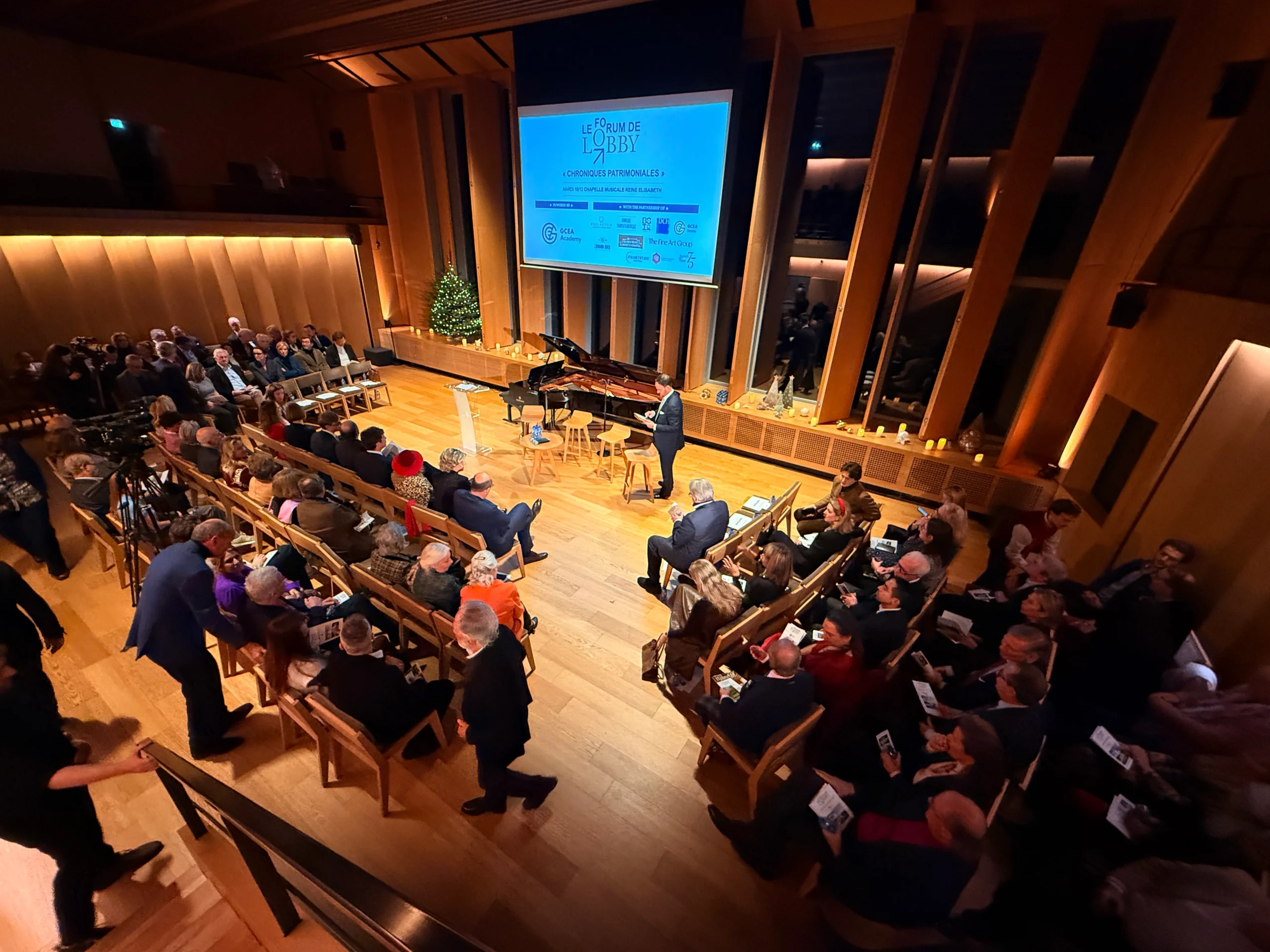
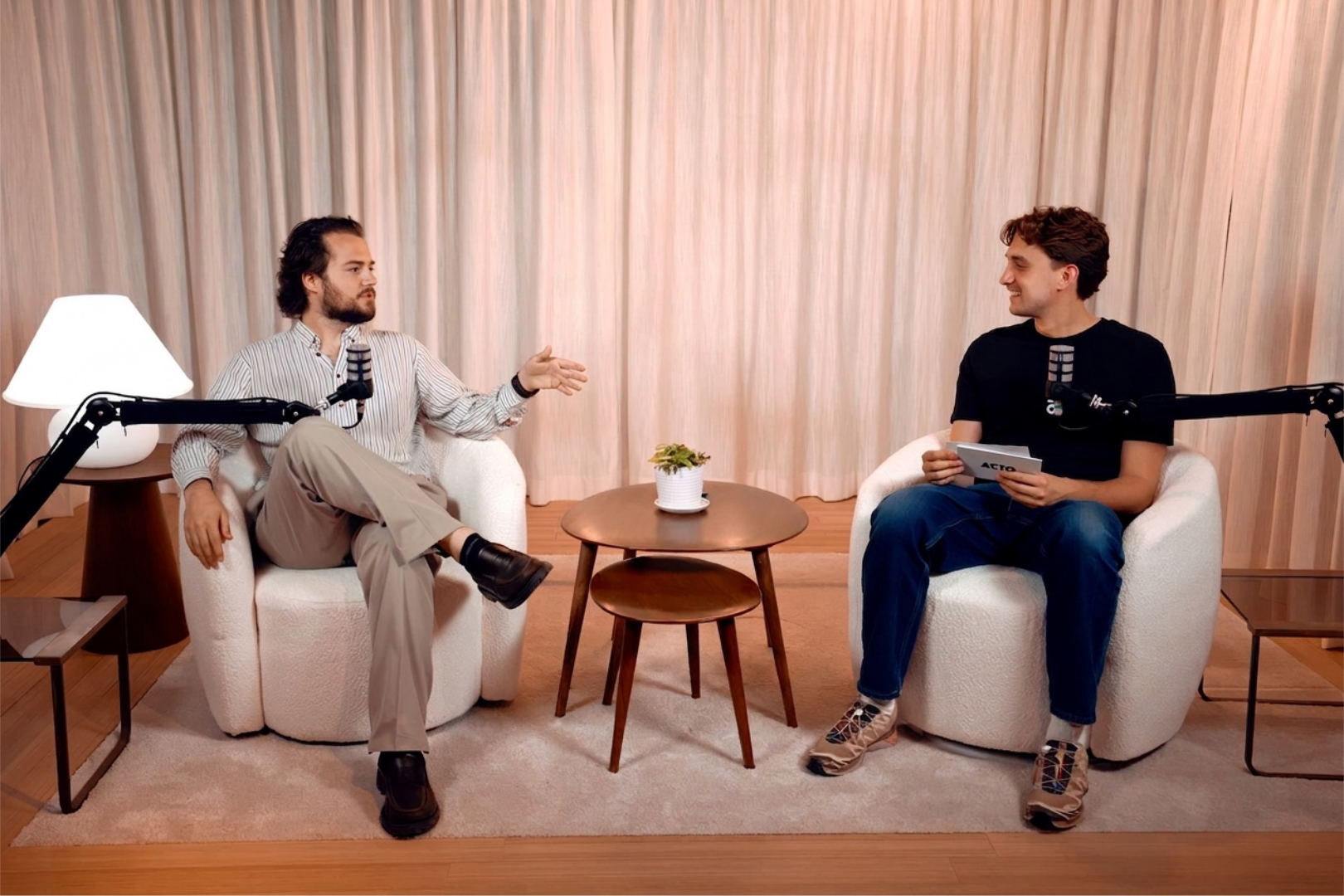
Not all source content repurposes equally well. Webinars, recorded interviews, roundtable discussions, and podcast episodes with a clear structure produce the richest raw material. They contain multiple distinct topics, genuine moments of insight, and natural breaks that make self-contained clips easy to identify. A scripted brand film may look polished, but it typically yields fewer organic clip candidates than a 40-minute conversation because the insights don’t stand alone the same way.
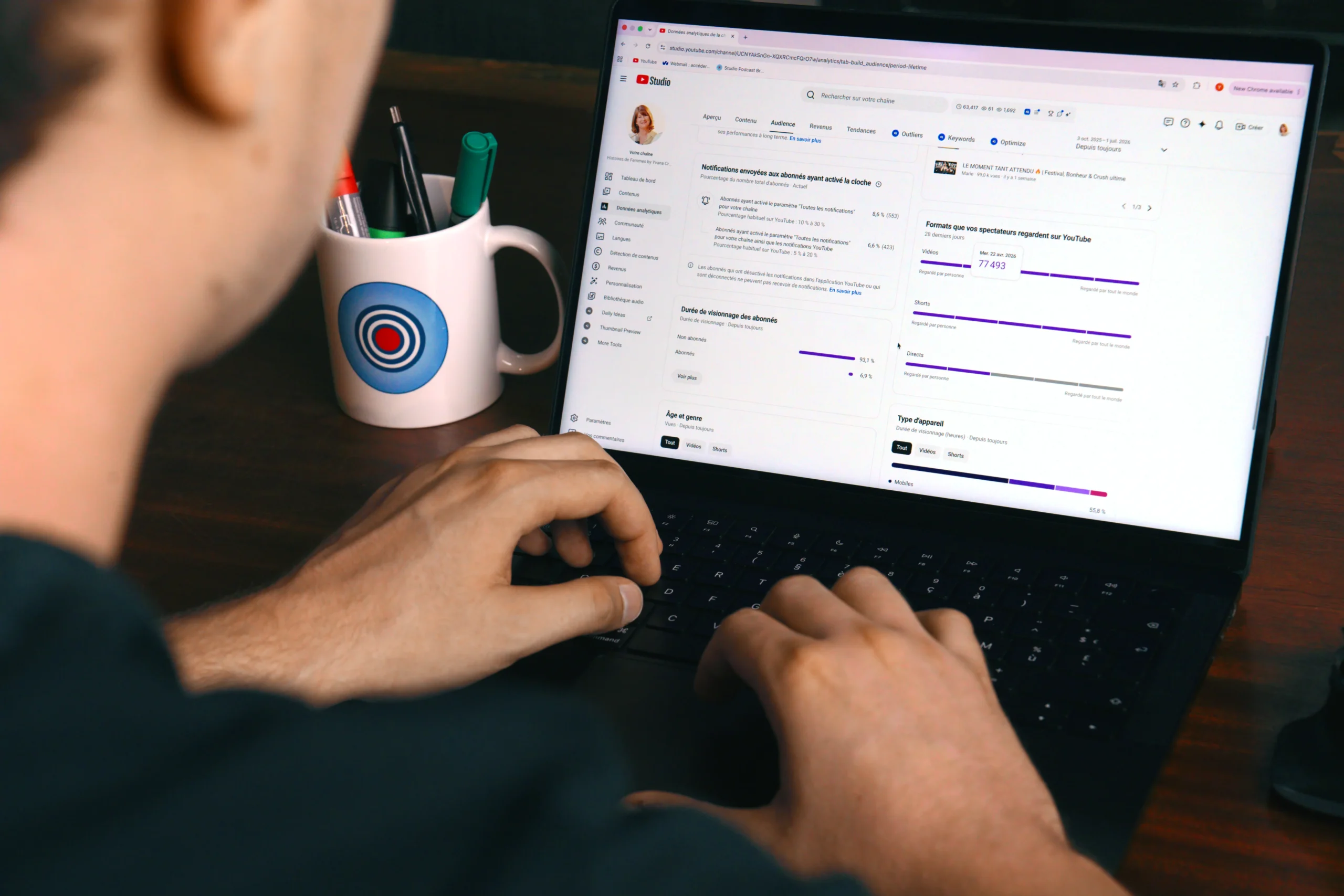
The most practical step after any recording is generating a transcript immediately. Scan it for stand-alone moments: a strong statistic, a counterintuitive take, a specific answer to a common question, or a short story with a clear beginning and end. These segments perform best as social clips because they make sense without the surrounding context. Mark each one with a timestamp and a one-line note explaining why it works. A 60-minute episode typically yields 10, 15 strong candidates, from which you shortlist the best 5, 8 for actual editing. This transcript-first approach is one of the most consistently recommended steps in repurposing video content efficiently.
The five assets every marketer should create from one recording
Short-form clips for YouTube Shorts, TikTok, and Instagram Reels
These are your highest-reach assets. A 15, 45 second vertical clip with captions, a strong hook in the first two seconds, and a clean cut performs well across all three platforms. The content can be the same across platforms; the framing, pacing, and caption style should be adjusted for each audience. TikTok tends to reward informal delivery and fast visual payoffs, Shorts benefit from clear chapter-style structure, and Reels often spike in reach when shared to Stories immediately after publishing.
Captions are non-negotiable on every platform. Research consistently shows that a large majority of social video is watched without sound, some industry estimates put it above 80%, though the exact figure varies by platform and year. A clip without captions loses a substantial portion of its potential audience before the first word lands. This is one of the most straightforward wins in social video editing.
LinkedIn clips, audiograms, and long-form blog posts
LinkedIn video rewards a slightly longer format: 30, 90 seconds with a native text caption that stands alone even if the viewer never presses play. Write the caption as a post first, then treat the video as reinforcement. Audiograms (a branded static image with an animated waveform and timed captions) work especially well for podcast clips distributed on LinkedIn and Instagram. They’re faster to produce than a polished video edit and consistently outperform text-only posts for reach.
The final asset from every recording should be a cleaned-up blog post built from the transcript. Structure it with SEO-focused headings, add context where the spoken content was vague, and publish it with a link to the original episode. That blog post captures search traffic for months after the original recording is forgotten, making it the longest-lasting asset in your repurposing stack, the piece of content recycling that keeps compounding over time.
Platform format guide: getting each clip right the first time
Every platform has a default viewing context, and ignoring it hurts performance. Publishing a 16:9 landscape clip on TikTok, or a 60-second clip on Reels when a 20-second version would have performed better, wastes the effort you put into creating the content. Here are the 2026 defaults that matter most for repurposing video content across platforms:
- YouTube Shorts: 9:16 vertical, 15, 60 seconds for hook-driven content, up to 3 minutes for deeper topics
- TikTok: 9:16 vertical, 15, 30 seconds for retention-focused clips
- Instagram Reels: 9:16 vertical, 7, 30 seconds
- LinkedIn: 1:1 or 9:16, 30, 90 seconds for explanation-style clips
- Facebook Reels: 9:16 vertical, 15, 30 seconds
The hook must land in the first 1, 3 seconds on every short-form platform, and within 2, 5 seconds on LinkedIn. Smart reframing keeps the speaker centered when converting 16:9 source footage to 9:16 vertical. These aren’t stylistic preferences, they’re the baseline for any clip to have a fair chance of performing in a competitive feed.
Video Content Repurposing Workflow: Turning One Recording into 10+ Assets
The most efficient repurposing workflow runs as a fixed sequence in one session, rather than as scattered tasks spread across days. Batch editing cuts production time significantly and keeps output consistent. Here’s the sequence that works:
- Export the source file and generate a transcript immediately after recording
- Mark the top 5, 8 clip candidates with timestamps and a one-line note on why each moment works
- Batch-edit all clips in one session: rough cut, captions, reframe to vertical, add intro/outro
- Pull quote graphics and audiograms from the same shortlisted moments
- Convert the transcript into a structured blog post with SEO-focused headings
- Draft a native LinkedIn post and newsletter blurb for each clip
Running steps 3, 6 in one focused session, rather than returning to the project repeatedly, is where most teams find their biggest time savings. The creative decisions are already made during the timestamp review. The batch session is pure execution.
Asset libraries collapse without a naming convention. A workable agency-style pattern includes the source title, platform, format, version, and date in every filename. Store the original export, transcript, project file, and all derivative assets in one folder per episode. Then schedule the finished assets over 2, 3 weeks so one recording session feeds multiple weeks of publishing, rather than a single burst that disappears from feeds within 24 hours. This scheduling approach is central to making video content repurposing sustainable over time.
AI tools and production partners that handle the heavy lifting
AI video repurposing tools worth knowing
Several tools now automate the most labor-intensive parts of this workflow. Opus Clip (from $15/month) handles automatic clipping, speaker reframing, captions, and social scheduling in one product. Munch AI (from $23/month) adds trend matching and keyword analytics on top of clipping and formatting, which makes it useful for teams that want to align clips with what’s actually being searched. Repurpose.io ($35/month) is a solid option for automated cross-platform posting and resizing. Vizard offers a clean interface for teams focused specifically on short-form clip extraction. Other tools in the broader landscape, including Descript, Opus, and newer entrants, are worth evaluating depending on your workflow’s specific needs. Pricing and features shift frequently, so confirm current plans directly with each provider.
None of these tools replace editorial judgment on which moments to cut and why. They eliminate the manual export work, the resizing, and the scheduling grunt work, which is where hours disappear for most teams. Use them to accelerate your process and keep a human in the loop for the creative shortlist.
Why building repurposing into post-production saves the most time
The smartest approach to video content repurposing isn’t to repurpose after the fact. It’s to plan for it before you record. Deciding which clip formats you need, how many, and for which platforms during the pre-production phase means the edit suite isn’t starting from zero when the shoot wraps.
At StreamBox, this is built directly into every post-production workflow. Clients who record at our studio leave with platform-sized clips, vertical reformats, captions, and distribution-ready assets already prepared as part of the same production session. That model turns one half-day shoot into several weeks of scheduled content. That’s the operational difference between a content system and a content treadmill. If you want to explore what that looks like for your specific format and platform mix, reach out to the StreamBox team directly.
Start treating every recording as a content library
Video content repurposing isn’t a workaround for brands with small budgets. It’s the model that makes professional content creation sustainable at any scale. One strong recording session, run with a clear workflow, produces LinkedIn clips, YouTube Shorts, TikTok videos, audiograms, and blog posts from the same source material. You’re not recycling content carelessly. You’re distributing genuine value across every surface your audience actually uses.
The workflow in this article applies whether you’re running it in-house with a lean tool stack or working with a production partner who builds repurposing into the process from day one. Either way, the core decision is the same: stop treating each recording as a single deliverable and start using it as a content library. Repurpose videos intentionally, with platform-specific formatting and a consistent naming system, and the returns compound quickly.
Set up the system once, run it consistently, and your output-to-effort ratio will look completely different within a few months.