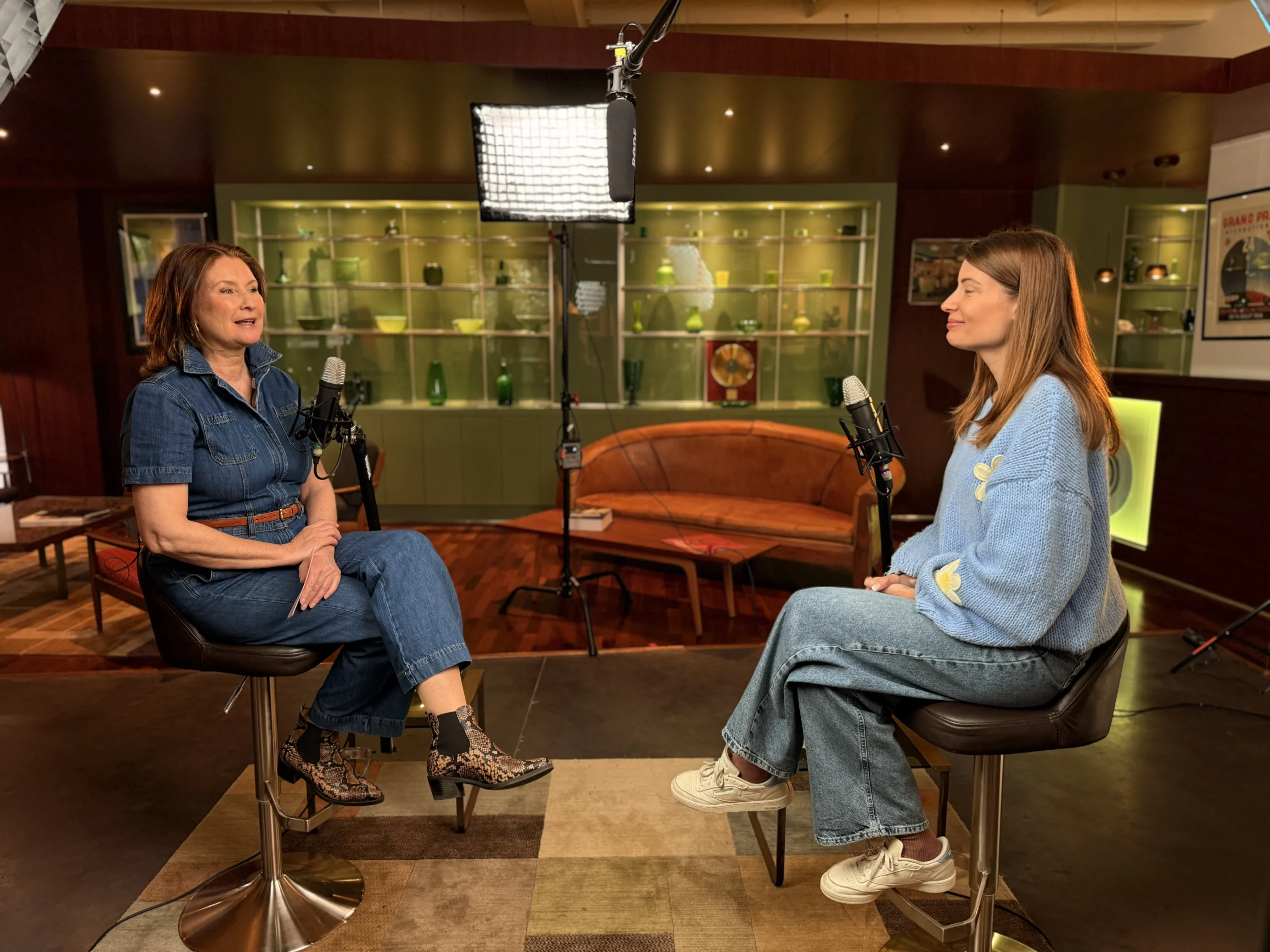
Most companies arrive at the podcast decision with a strong concept and almost no execution plan. They’ve agreed on the topic, identified a host, maybe even picked a show name, and then they hit the decision wall: What equipment do we need? Where do we record? Who manages the editing? What platform handles distribution? A solid corporate podcast setup requires mapping all of these decisions before a single mic is purchased. At StreamBox, we see this pattern regularly: a motivated marketing director, a clear business case, and a production process that hasn’t been mapped yet.
The good news is that a corporate podcast setup is entirely manageable when you work through each decision in the right order. Rush the format decision, and you’ll buy the wrong gear. Skip the workflow design, and your first three episodes will be chaos. Get the hosting wrong, and you’ll rebuild your distribution infrastructure six months in. This article is the pre-launch checklist that prevents all of that. By the end, you’ll know exactly what format fits your goals, what to buy at your budget, how to structure your team, and how to get your show from recording to published without reinventing the process every episode.
Corporate Podcast Setup: Key Decisions to Make First
Before your company purchases a single microphone or signs up for a hosting plan, the format has to be locked. Every downstream decision changes based on the format you choose, including the number of mics you need, the size of your team, and which recording environment actually works for your show.
What format actually means for a corporate podcast
There are four main formats for a company podcast setup: solo/narrated, interview, roundtable/panel, and short-form series. A solo narrated format suits thought leadership content and brand storytelling well, since one host controls the pacing and no guest coordination is required. Interview formats work for customer education and executive spotlights, while roundtable episodes are well suited to internal communications and subject-matter panel discussions.
Short-form series, typically five to ten minutes per episode, fit high-frequency publishing and repurposing into social clips. The internal-versus-public decision also gets made at this stage because it directly affects your hosting platform selection later. A private podcast for internal distribution requires a platform with tokenized feed access and invite-based controls. A public show goes to a standard RSS-based distributor. Locking this decision early saves you from migrating platforms after launch.
Frequency and episode length: setting realistic expectations
A weekly podcast requires a pipeline with at least one or two episodes in reserve at all times, plus reusable templates and batch recording sessions to stay consistent. Biweekly is a more sustainable cadence for a lean internal team and still builds a meaningful audience over time. Episode length matters just as much: a 45-minute interview episode takes significantly more editing time than a 15-minute structured segment, and that difference compounds week after week. Set the length based on your audience’s listening context, not on how much you have to say.
Corporate Podcast Setup: Equipment by Budget Tier
The question marketing directors ask most often is “how much will this cost?” The honest answer depends entirely on how many hosts you have and how much post-production you’re willing to do. Here’s a clear breakdown by tier.
Entry-level setup: getting started without overcomplicating it
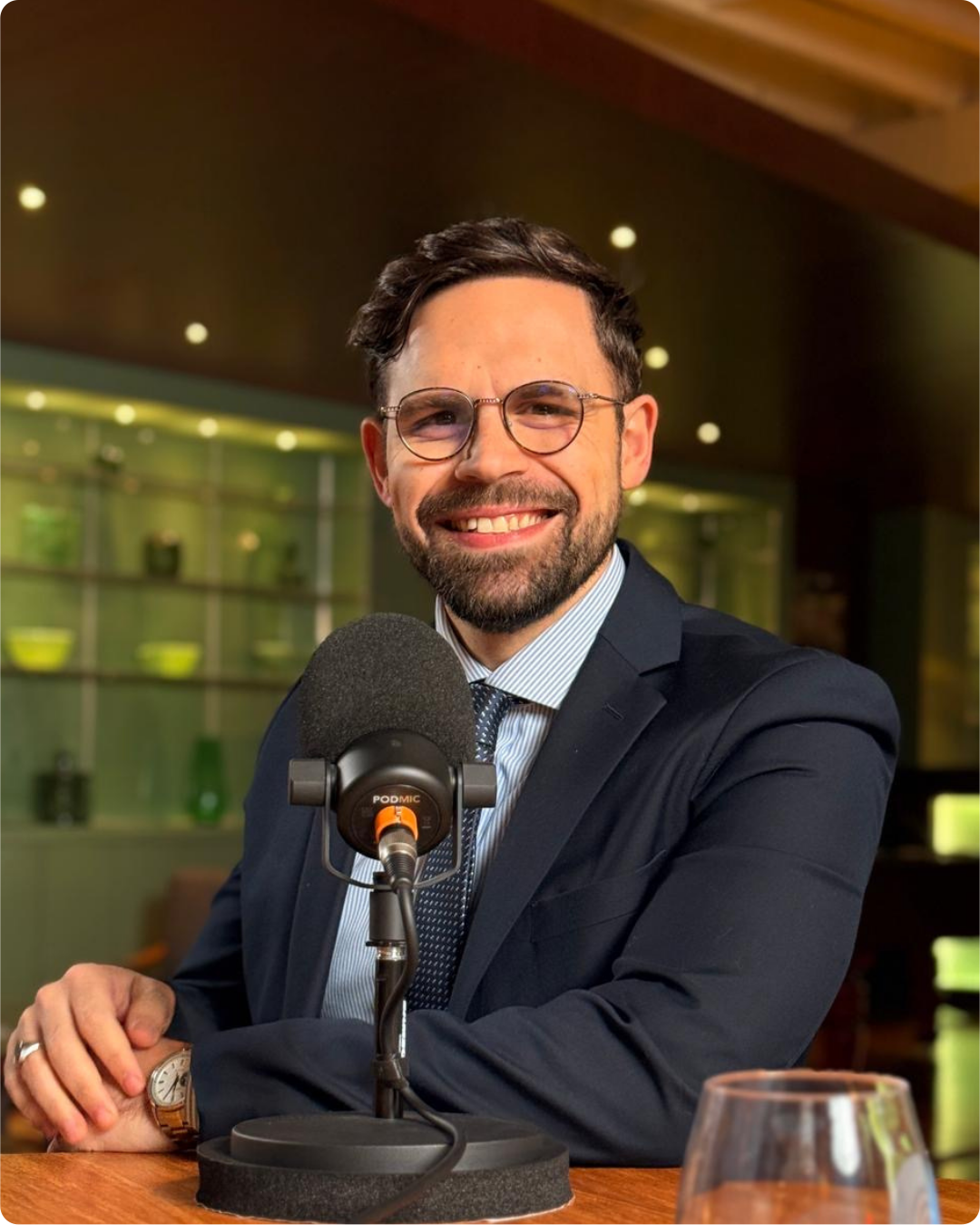
The Samson Q2U is the strongest entry-level recommendation for corporate teams because it works over both USB and XLR, handles untreated office environments better than condenser microphones, and keeps cost low without sacrificing usable audio quality. Dynamic mics reject background noise more effectively than condenser mics, which matters when you’re recording in a conference room rather than a treated studio. Pair each mic with Audio-Technica ATH-M20x closed-back headphones so hosts can monitor their own audio during recording. For a two-host setup at entry level, two USB mics into separate laptop inputs keep the signal chain simple.
Mid-range setup: the right configuration for most corporate teams
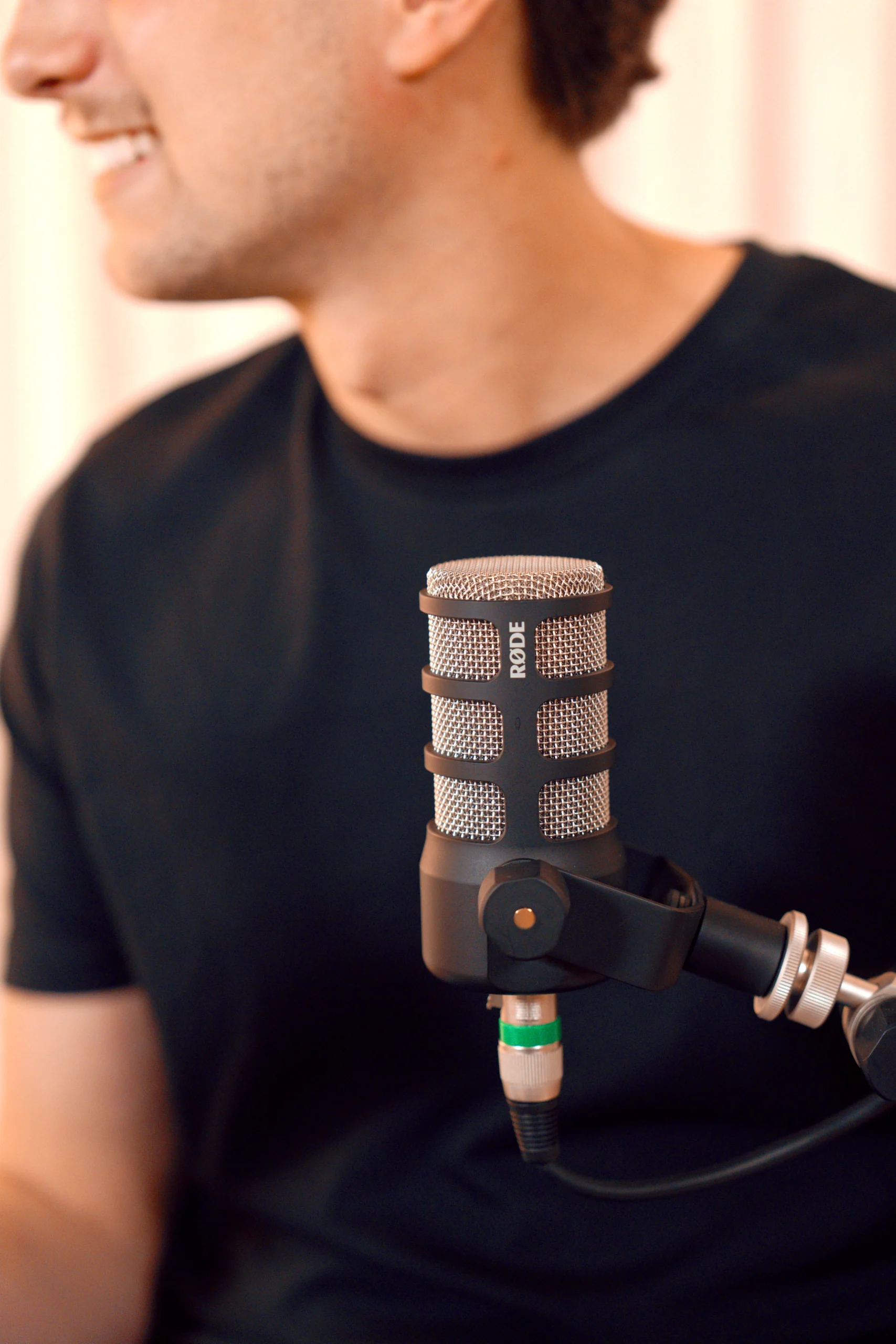
At the mid tier, the shift to XLR microphones and a multi-input audio interface gives you separate tracks per speaker, which makes editing and mixing dramatically cleaner. The Focusrite Vocaster Two handles two-host setups well, with built-in auto gain and dual XLR inputs designed specifically for podcast workflows. For panels of three or four people, the RODECaster Pro 2 is a better fit because it supports multiple in-person guests with per-channel processing and programmable controls. This is the configuration most corporate shows actually need once they’ve validated the format and committed to a regular cadence.
Pro setup: broadcast-grade for high-visibility shows
A flagship executive podcast, or any show that also distributes as video content, warrants broadcast-grade dynamics such as the Shure SM7B paired with a professional mixer and higher-end closed-back headphones like the Shure SRH1540. This level of investment makes sense when the show represents the brand publicly and audio quality signals exactly how seriously the company takes the show. At this tier, the gear is no longer the limiting factor: the room, the workflow, and the talent are where quality is won or lost.
Studio vs. Remote Recording: What Actually Works for Corporate Teams
The recording environment has more impact on audio quality than almost any gear decision you’ll make. A broadcast-grade microphone in an untreated room will sound worse than a mid-range dynamic in a properly dampened space. This is the decision most companies underestimate.
What a functional in-house studio space requires
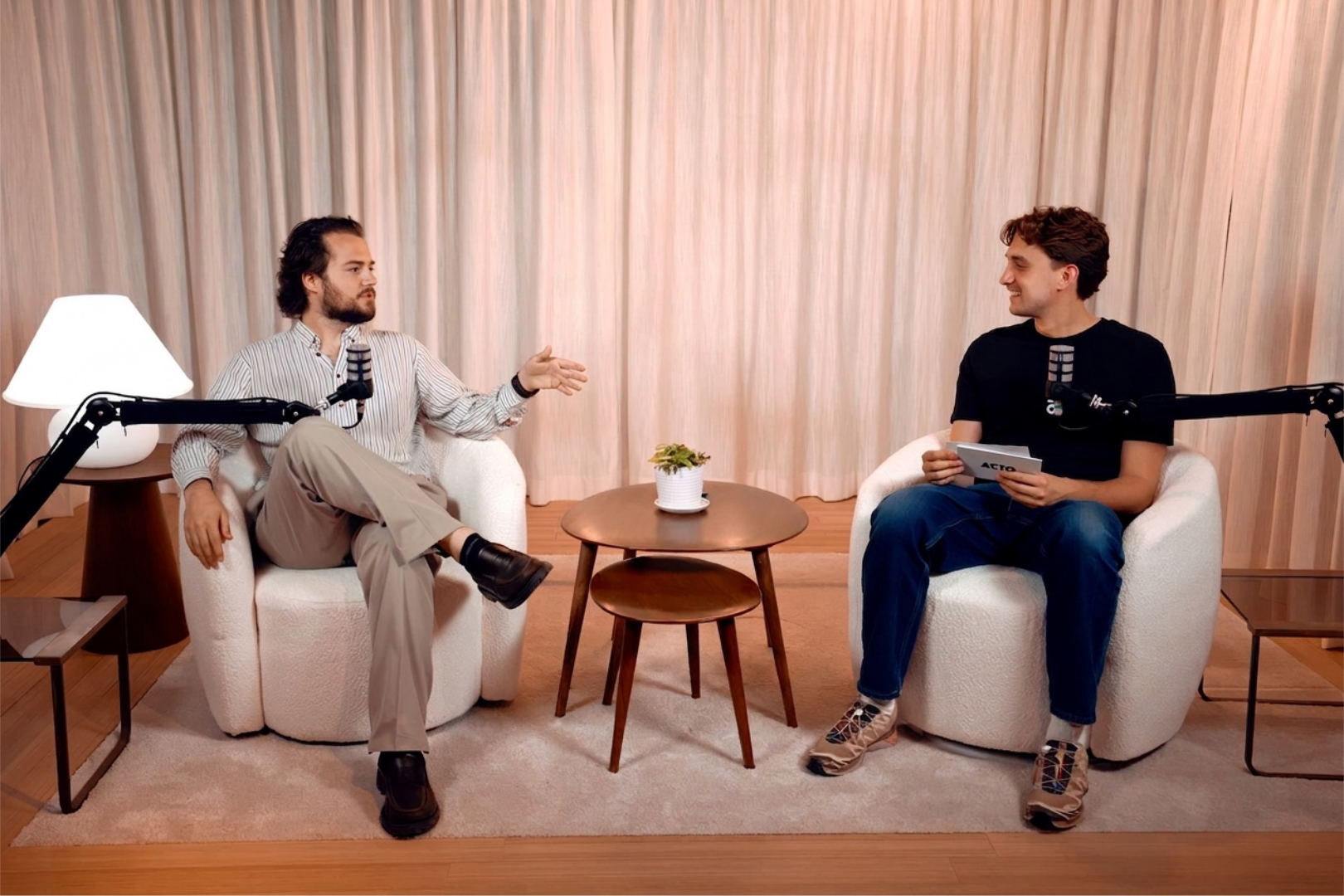
To get usable audio from an existing conference room or office space, you need to reduce parallel hard surfaces and add soft furnishings: rugs, upholstered chairs, acoustic panels on at least two walls, and a door seal to block corridor noise. The goal is to eliminate the room’s natural reverb so the microphone captures voice, not the echo of the voice. A purpose-built team podcast studio removes all of these variables entirely, providing controlled acoustics, proper monitoring, and no scheduling conflicts with the rest of the office. That level of consistency is what makes batch recording sessions reliable.
Remote recording tools that work for non-technical hosts
For hosts who are not technically trained, browser-based tools are the practical solution because they eliminate software installation and device configuration. Riverside is a widely used option for corporate remote recording: it captures separate local tracks per participant, supports up to 4K video, and joins through a simple browser link. SquadCast handles reliable audio-first recording for teams that don’t need video. Zencastr adds all-in-one recording plus hosting functionality, useful for lean teams managing multiple parts of the workflow. Cleanfeed is a lightweight browser-based option when audio quality matters and technical setup needs to be minimal.
The Team Your Corporate Podcast Actually Needs
A corporate podcast is a production, not a one-person project. The most common reason company podcasts stall or go dark isn’t bad equipment, it’s unclear ownership at the QA and publishing stages.
Core roles and what each one owns
Five roles cover the full production chain. The producer/showrunner owns the editorial calendar, guest coordination, episode briefs, and deadline management, this is the linchpin role, and without one clear owner driving the timeline, episodes slip. The host handles delivery, key message alignment, and pickup recordings when needed. The editor/audio engineer manages cleanup, assembly, branded intro/outro, transcripts, and show notes. The QA/compliance reviewer checks legal claims, brand consistency, and any required approvals before the file leaves the team. The publisher/marketing ops role handles upload, RSS or private feed management, the episode page, and promotion.
How to staff this at a mid-size company
Not every role requires a full-time hire. A biweekly show can run effectively with one internal producer, one freelance editor, and a designated QA reviewer from legal or brand. What consistently fails is when the editor is also expected to manage publishing deadlines, or when QA has no fixed review window in the production calendar. Give each role a defined deliverable and a deadline, and treat the production schedule as a process rather than a series of ad hoc handoffs.
Publishing Workflow and Internal Podcast Distribution Setup
The production workflow is where the format, gear, and team decisions either pay off or create friction. Standardizing each stage is what turns a podcast from a creative experiment into a repeatable content operation.
The five-stage production workflow
A reliable corporate podcast workflow runs through five distinct stages:
- Prep: topic brief, guest outreach, episode outline, pre-approved questions
- Recording: mic check, session capture, backup recording
- Editing: audio cleanup, structural assembly, branded elements, show notes, transcript
- QA: compliance review, final stakeholder approval
- Publishing: platform upload, RSS or private feed, episode page, promotion
For a weekly cadence, each stage needs a fixed deadline and a reusable template. Treating every episode as a one-off project is the fastest path to missed publish dates and team burnout.
Hosting platforms and private feed options for internal use
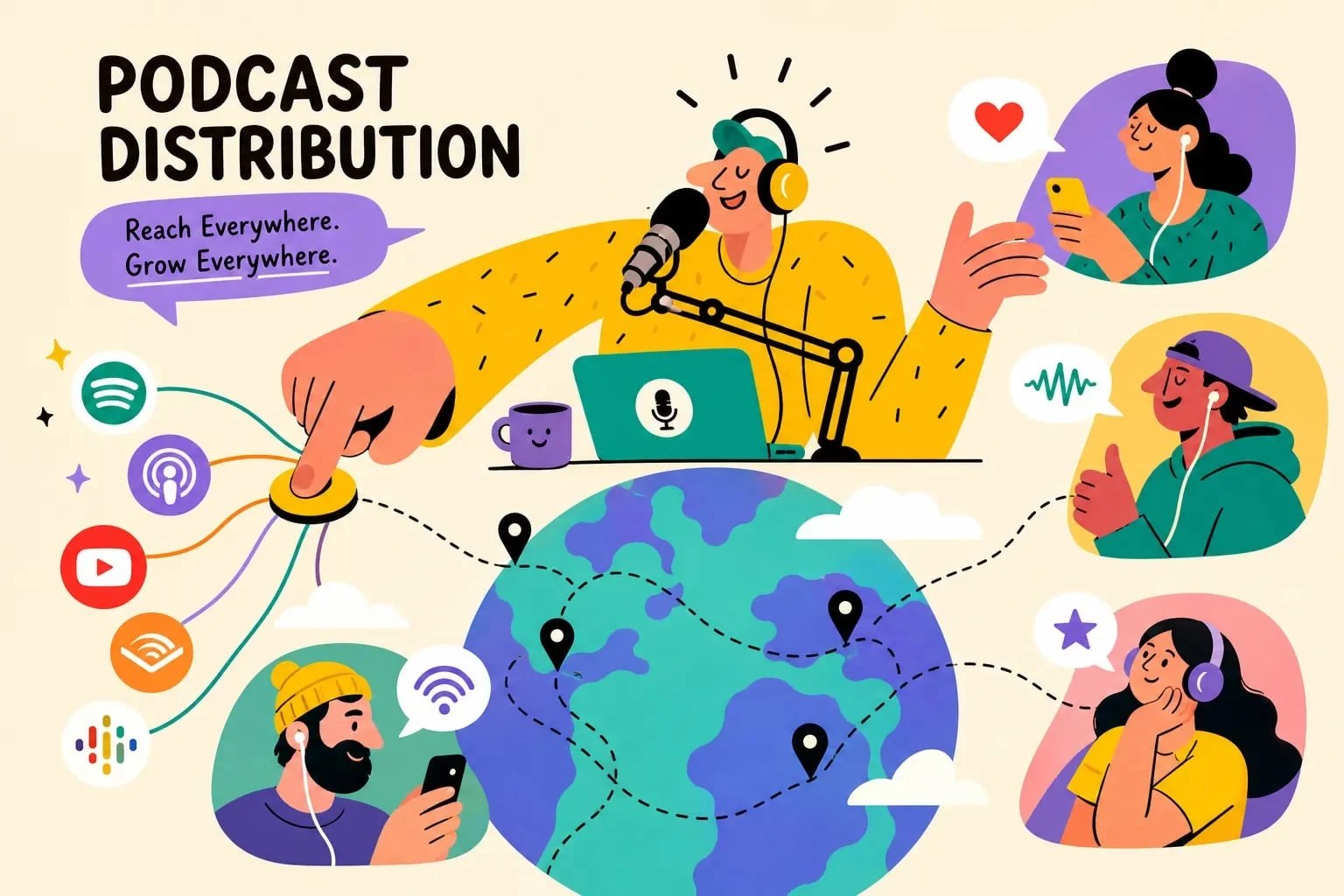
Public podcast distribution works through standard RSS-based platforms. Internal corporate podcasts require a different infrastructure. Platforms like Castos, Transistor, Captivate, and Podigee all offer private feeds with invite-based access, individual tokenized RSS links, and login portals for authenticated listeners. Enterprise podcast hosting should include per-user token access and the ability to immediately revoke access when employees leave. A shared password link is not sufficient for sensitive internal content; when an employee exits, their access should be removed at the identity level, not through a password change that affects everyone. Platforms like Podbean Enterprise and uStudio are built specifically for internal corporate distribution at scale, with SSO integration and role-based access controls.
When Handing It to a Production Agency Makes More Sense
The checklist above is comprehensive. It is also genuinely demanding to execute well, especially for a marketing director already managing multiple initiatives without a dedicated internal production function.
The real cost of self-managed podcast production
For a 30-minute show at mid-tier quality, planning, recording, editing, QA, and publishing typically require 6 to 10 hours of total production time beyond the recording session itself. Multiply that across a weekly or biweekly cadence and the coordination load becomes significant, particularly without a dedicated producer keeping the pipeline moving. The setup phase, covering equipment, acoustic treatment, hosting configuration, workflow templates, and team training, commonly runs $3,000 to $8,000 in time and budget before a single episode goes live.
What a turnkey studio environment actually delivers
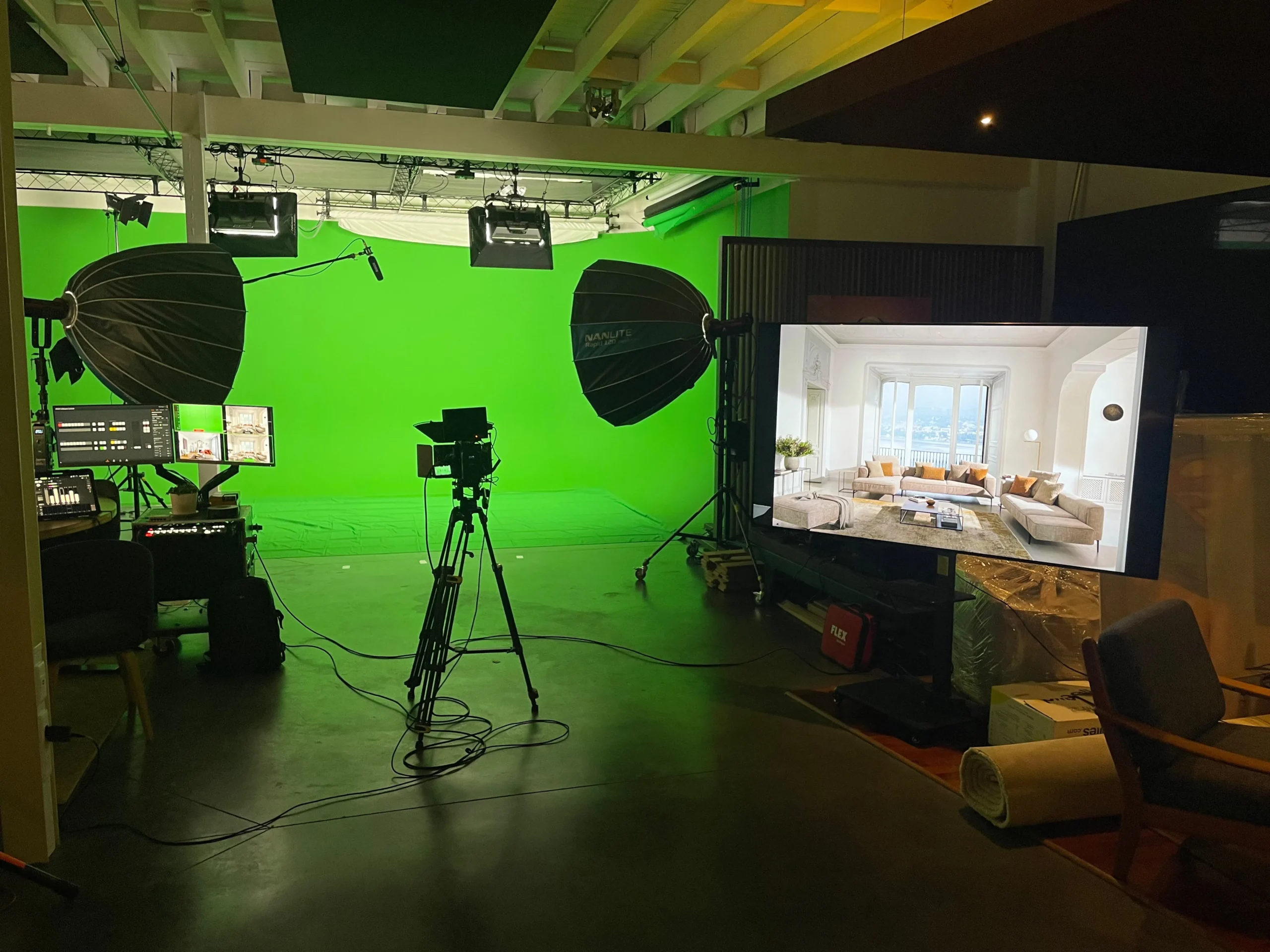
The StreamBox model is built for exactly this situation. A dedicated project manager handles the show from brief to publication, removing the coordination burden from your marketing team entirely. Our 440m² production-ready studio near Brussels is set up for batch recording sessions, which means a team can capture multiple episodes in a single half-day and leave with weeks of content ready for post-production. Full post-production is included: sound engineering, show notes, transcripts, and multi-platform formatting so the final deliverable is ready to publish, not ready to hand to an editor. For companies that want a podcast without building the infrastructure to run one, that end-to-end model is the real product.
Start with the Right Decision, Not the First One
The sequence matters more than the speed. Lock the format first, then choose equipment that matches your host count and recording environment. Define your team structure and assign clear ownership to each production stage. Then set up your hosting and distribution infrastructure before you record a single episode. Each decision in that order is straightforward; made out of order, they create expensive rework.
A well-executed corporate podcast setup does more than fill a content calendar. It builds a consistent brand point of view and creates a compounding content asset, one where your team’s expertise reaches an actual audience, not just a content calendar checkbox. The setup investment is finite; the returns accumulate with every episode.
If your company wants the podcast without the production overhead, get in touch with the StreamBox team. We’ll walk you through the format, run the production, and get your first episode live without you having to become a production studio in the process.