Consistency helps retain and grow audiences for many podcasts, yet recording week-to-week puts the entire feed at the mercy of one canceled guest or one brutal stretch of deadlines at work. When life intervenes, the feed goes quiet, subscribers notice, and momentum takes weeks to rebuild. Learning how to record multiple episodes in one day is the fix most podcasters reach for, but without a real system behind it, a bulk recording day delivers tired audio, disorganized files, and a host who swears off podcasting before the batch is done.
Batch recording podcast episodes is a skill, not just a scheduling decision. A well-planned session can produce four to six weeks of ready-to-publish content. A poorly planned one wastes an entire day and leaves you with unusable audio that no amount of editing can save. The difference between those two outcomes is almost entirely in the preparation.
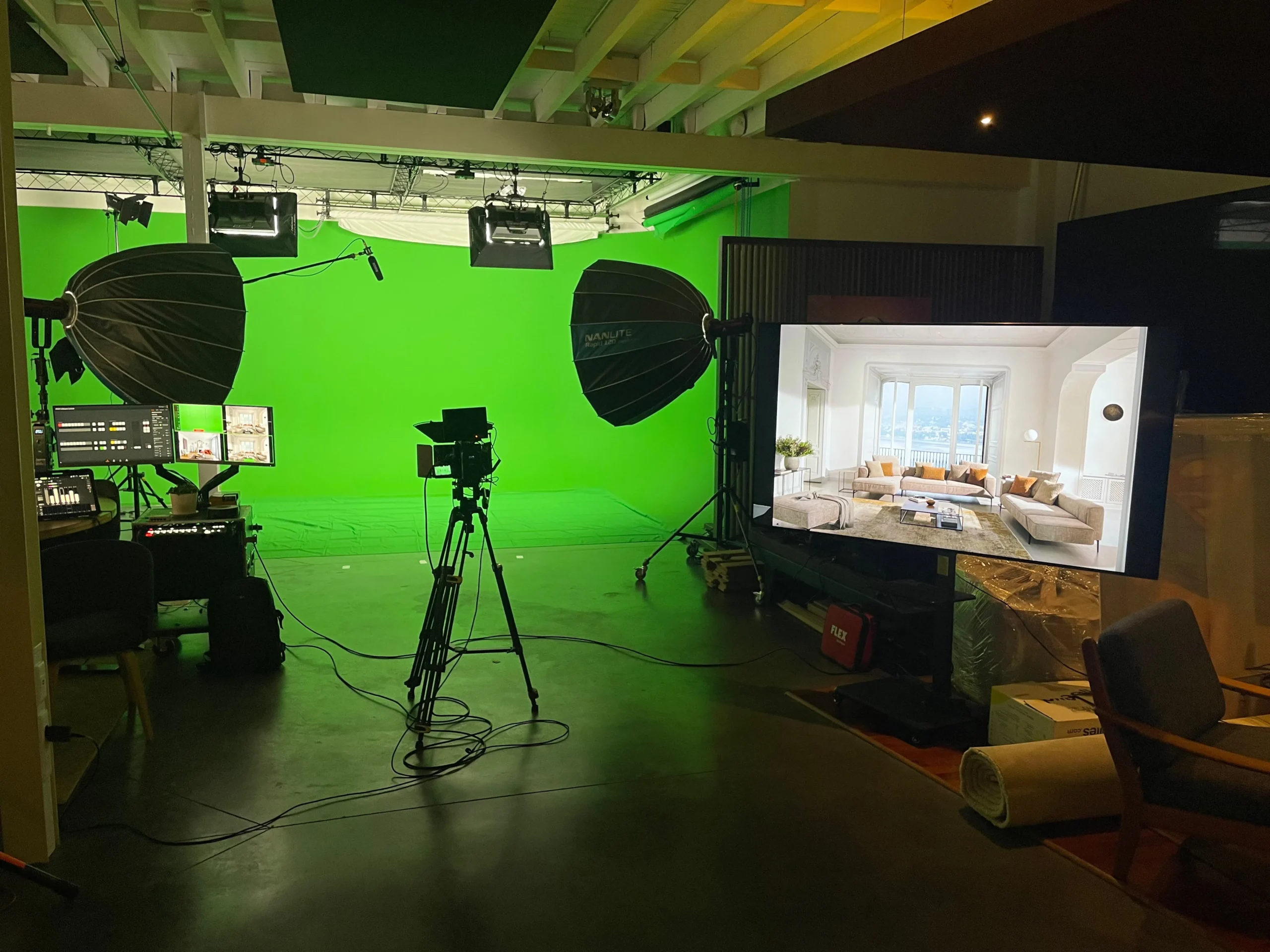
Some production studios have built full workflows around the half-day batch model, routinely delivering three to four broadcast-ready episodes from a single morning block. StreamBox applies the same approach, coordinating guests, locking studio configurations, and handling post-production so clients leave with finished content. The same logic scales down to a home studio setup. This article gives you the complete system: how many episodes to target, how to prep guests and scripts, how to lock your studio setup, and how to manage files so post-production doesn’t undo everything you gained.
How many episodes you can realistically record in one day
The three-episode sweet spot for most hosts
For most solo hosts, three episodes is the practical ceiling for a single recording day without voice fatigue affecting audio quality. The real limit isn’t episode count; it’s total speaking time, which should stay around two to three hours of active delivery. A fourth episode late in the afternoon often shows in the audio even when the host doesn’t feel tired: slower pacing, flattened energy, and a slightly rougher vocal texture that listeners often detect before a playback review flags it.
Shorter solo episodes under twenty minutes can open up a fourth slot, but treat that as the ceiling rather than the default plan. A quick-hit news or commentary format, ten to fifteen focused minutes with no guests, is a good candidate for that final slot. Record your most demanding episode first, when your voice and focus are sharpest, and schedule simpler or more conversational episodes later in the day.
Interview episodes require a different calculation
Guest-format shows run on a different budget. Two to three interviews in a day is a realistic target because each conversation demands more mental energy than a solo record: you’re managing the guest’s comfort, steering the conversation, listening actively, and staying aware of timing all at once. Each guest slot should include setup, the conversation itself, and buffer time for retakes, putting a realistic window at ninety minutes per guest.
Do the math: three ninety-minute guest sessions plus setup, transitions, and breaks fills a full day before you account for anything else. That’s not a failure of ambition; that’s a realistic production schedule. Volume matters far less than walking away with three genuinely strong episodes.
How to record multiple episodes in one day: scripting and session prep
The prep-before-recording-day rule
All creative work must be finished well before the recording session, ideally at least a week out, and no later than 48 hours in advance. On a bulk recording day, the host’s only job is execution. Outlines, talking points, research, intros, outros, and ad reads should already be written and reviewed. Each episode needs its own clearly labeled folder containing the script, reference links, guest bio, and any visual materials needed for the session.
Walking into a batch session unprepared multiplies problems because a single time loss affects every episode scheduled after it. One missing guest bio or an unresearched topic angle doesn’t just cost you ten minutes on that episode; it compresses every window that follows it.
Building a run sheet for the day
The run sheet is the production document that controls the entire day. It removes decision-making from the recording session itself, which is exactly where decisions are most expensive. A solid run sheet covers episode order, segment timing, guest arrival windows, break blocks, and any technical notes specific to each episode.
Keep the structure simple and consistent: episode title, recording start time, estimated duration, guest details, equipment notes, and a post-session action item column. The per-episode run sheet governs segment timing and editorial details; the full production schedule governs guest sequencing and day-level logistics. Keeping those two documents separate gives you minute-level editorial direction without losing the flexibility to handle delays.
Guest coordination for a smooth batch day
Scheduling individual recording windows, not one big call time
Calling all guests in at the same time is one of the most common batch-day mistakes. When everyone arrives together, waiting compounds, guests overhear each other’s conversations, energy drops before anyone records, and the host’s attention is split between being polite and staying on schedule. Assign each guest a specific arrival window that accounts for setup, their episode, and a clear buffer before the next person arrives.
Build each guest’s slot around a simple sequence: fifteen minutes for arrival and technical checks, five to ten minutes for a final briefing, the interview itself, and a twenty-minute buffer for pickups and reset before the next guest. Never schedule one interview to end exactly when the next guest is due. Transitions, equipment resets, and host breaks are part of the day, not interruptions to it.
The pre-session brief your guests actually need
Send every guest a one-page brief at least a week before the session, or, at minimum, 48 hours in advance when scheduling requires it. The brief should cover the episode topic and angle, three to five questions they can expect, technical requirements or dress code notes for in-studio guests, a reminder about conversational pacing, and session day logistics including parking, arrival contact, and expected duration.
A well-briefed guest records faster, gives cleaner answers, and requires fewer retakes. Explain the retake process clearly: the host says “let’s take that again,” pauses, and restarts from the beginning of the sentence. When guests understand the process before they sit down, retakes become quick and low-pressure rather than awkward interruptions that eat into the schedule.
Studio setup for consistent audio across all episodes
The “set once, don’t touch” rule
Lock the technical setup before the first episode and don’t change anything between sessions. Inconsistent mic placement, adjusted gain levels, or moved furniture between episodes means each episode sounds different in post-production, multiplying editing time and undermining the efficiency argument for batch recording entirely. Standardize the entire signal chain and leave it alone.
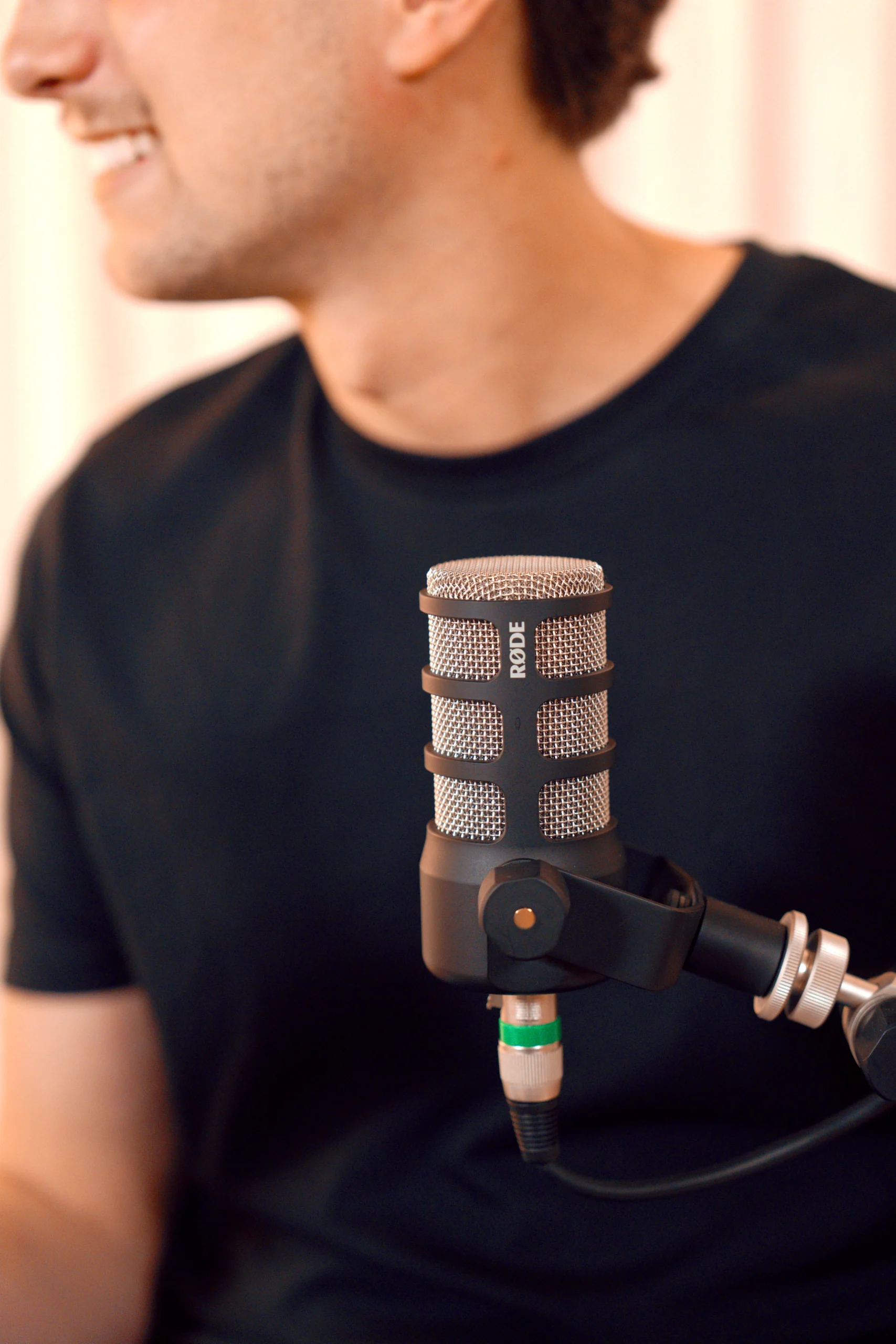
Your standardization checklist should include: the same microphone model and position for every speaker, a boom arm and pop filter secured and marked with tape or another non-damaging marker, gain staged to the loudest expected delivery, and a DAW session template pre-loaded before the first guest walks in. Photograph the room layout before recording starts so you can restore it exactly after breaks.
Microphone placement, gain targets, and room treatment
Position the microphone four to eight inches from the speaker’s mouth at a slight off-axis angle, roughly fifteen to forty-five degrees, to reduce plosives. Aim for average recording levels around -18 to -20 dBFS, with peaks between -12 and -6 dBFS. Mark the mic boom and chair position so the setup can be restored exactly after every break without guessing.
On room treatment: soft materials absorb reflections better than hard surfaces, so carpet, curtains, bookshelves, and upholstered furniture all help. The room must stay physically identical across all episodes, same furniture arrangement, same noise sources switched off, same microphone orientation. HVAC systems, computer fans, phones, and notifications should all be silenced before the first take and stay that way for the entire day.
A realistic timetable for a one-day batch recording session
Sample schedule for three to four episodes
A workable full-day structure runs roughly as follows. Spend the first thirty minutes on setup and a technical test before anyone records. Run the first ninety-minute recording block for your most demanding episode while concentration and vocal energy are highest. Take a genuine twenty-minute break, then move into the second block. Lunch is forty-five minutes, a full mental break, not a catch-up session for email. The afternoon holds a third recording block, a short break, and a final window for pickups and file review.
Breaks are recovery time, not production time. Resist the urge to use them for editing, inbox management, or pre-production work for the next episode. The purpose is vocal recovery and mental reset. Four strong episodes with proper breaks outperform an overpacked day that pushes through fatigue and produces content that needs to be re-recorded anyway.
How StreamBox structures half-day batch sessions
StreamBox builds client batch sessions around a focused half-day format using the same principles outlined above. A dedicated project manager coordinates the run sheet, guests are briefed and sequenced into individual arrival windows, and the studio is fully configured before the first client walks in. No technical decisions happen on recording day; those are resolved in pre-production so the session is entirely focused on content.
Clients typically leave with three to four broadcast-ready episodes from a single morning or afternoon block, four to six weeks of ready-to-publish content produced in one sitting. That’s what a fully systematized batch day looks like when all the logistical and technical variables are handled before recording begins. If your team wants to walk into a session and focus entirely on the conversation, reach out to the StreamBox team to learn how the half-day model works.
File management and post-production batching
Naming and organizing files before you leave the studio
File chaos costs more time than bad audio does. A clear naming convention that scales for batch days follows this structure: show abbreviation, zero-padded episode number, recording date, content type, guest name, and take number. For example: SHOW_EP012_2026-10-04_INTERVIEW_GuestName_T01.wav. Zero-padding keeps files in numerical order; ISO dates sort chronologically. Name every take immediately after recording, not at the end of the day when fatigue sets in and mistakes multiply.
Each episode should have its own pre-built folder with subfolders for raw recordings, session files, edits, exports, and notes. Follow the 3-2-1 backup rule: three copies, two different media types, one stored off-site. No temporary files get deleted until two verified copies exist. Back up during the day, not only at the end, and verify each episode folder before reformatting any cards or drives.
Tips to record multiple episodes in one day without losing ground in post-production
Post-production should be batched separately, scheduled in a dedicated block within the same week rather than attempted on recording day. Process all episodes through the same chain in sequence: high-pass filter, light compression, de-essing, noise reduction, and loudness normalization to the platform standard (-16 LUFS for Spotify and Apple Podcasts, -14 LUFS for YouTube). Running the same processing chain across every episode ensures consistent sound across the batch without reactive tweaking between files.
Once edited, upload all episodes to your publishing platform and set them to auto-publish on their release dates. The batch effort converts directly into a weeks-long publishing runway with no weekly scramble. You stop chasing a content calendar and start running ahead of it.
The system is what makes it work
The goal of pre-batching episodes isn’t to squeeze more into less time. It’s to build a system that makes content consistency sustainable over months and years. The difference between a productive batch day and a wasted one comes down to pre-session prep, a locked studio setup, a realistic schedule with real breaks, and clean file handoff to post-production.
Here’s the framework in brief: calibrate your episode count to your voice and format; finish all creative prep before recording day; coordinate guests with individual arrival windows and a clear brief sent well in advance; lock the technical setup and leave it alone between episodes; follow a timed run sheet; and batch post-production separately with a consistent processing chain. Every element reinforces the others, and skipping one weakens the rest.
For brands and teams that want to record several episodes in one session without managing the technical and logistical complexity themselves, StreamBox offers end-to-end batch recording services, from studio configuration and guest coordination to post-production and multi-platform distribution. Reach out to the StreamBox team to plan your first batch recording day.